
Free & no-obligation consultation
One-on-one, discreet and fast – we'll get back to you within 24 hours.
Send your request nowTable of contents
Stop Formatting Citations by Hand
A doctoral student once asked us to look at why his bibliography kept breaking. He had 90 references typed manually, and every time his supervisor asked him to switch from one citation style to another, he spent an entire evening reformatting commas and italics. He was doing skilled work with the wrong tool. A reference manager would have made the same change in two clicks.
If you are still copying citations by hand, this article is for you. A reference manager collects your sources, stores the PDFs, inserts in-text citations as you write and rebuilds your bibliography automatically. Once it is set up, you may never format a reference manually again.
What a Reference Manager Actually Does
At its core, a reference manager does four things. It captures source details from databases and websites, stores them in a searchable library with attached files and notes, cites them inside your word processor, and formats the bibliography in whatever style you choose.
The payoff is consistency. When every citation comes from the same database, your in-text references and your reference list always match, and a style change updates everything at once. That reliability is exactly what manual typing cannot give you.
This matters most when your source list grows. The habits you build during academic source research feed straight into your manager, and a clean library makes writing your literature review far smoother.
Comparing the Main Options
There is no single best tool; the right one depends on your workflow, your budget and what your peers use. Here is how the most common managers compare in practice.
Zotero is free, open-source and widely loved. Its browser connector captures sources from almost any page with one click, and it handles books, articles and web pages equally well. It is an excellent default for most students.
Mendeley combines a reference manager with a built-in PDF reader and annotation tools, which suits people who do a lot of reading on screen. It has a social and discovery layer too, though storage limits apply on the free tier.
EndNote is a paid, feature-rich tool common in the sciences and often provided through university licences. It is powerful for very large libraries and complex group projects, but it has a steeper learning curve.
Citavi adds knowledge organisation and task planning on top of reference management, which appeals to students who want to structure their reading and arguments in one place.
Tip from practice: Choose the tool your department and supervisor already use. Sharing libraries and troubleshooting is far easier when you are not the only person on a different platform.

Setting Yourself Up for Success
Whichever tool you pick, a few habits make the difference between a tidy library and a digital mess.
- Install the browser connector so you can save sources the instant you find them.
- Check every entry on import — automatic capture is good, not perfect, especially for author names and page numbers.
- Organise with folders and tags by theme or chapter from day one.
- Attach the PDF and your notes to each entry so everything lives in one place.
- Back up your library and, if the tool offers it, sync across your devices.
In our coaching practice we often see students adopt a manager halfway through writing and then spend hours importing old sources. Starting early, even for a small project, pays off many times over.
Citing While You Write
The real magic happens in your word processor. With the plugin installed, you insert a citation as you type, and the bibliography updates itself at the end of the document. Switching from one style to another becomes a single dropdown choice rather than an evening of edits.
That said, always proofread the output. Reference managers apply the rules they are given, but messy data in produces messy citations out. Confirm the details are correct and that the chosen citation style matches your guidelines. Accurate citations are also one of your best defences against accidental plagiarism.
Remember: A reference manager removes the tedium of formatting, but you stay responsible for the accuracy of what goes in. Garbage in, garbage out.
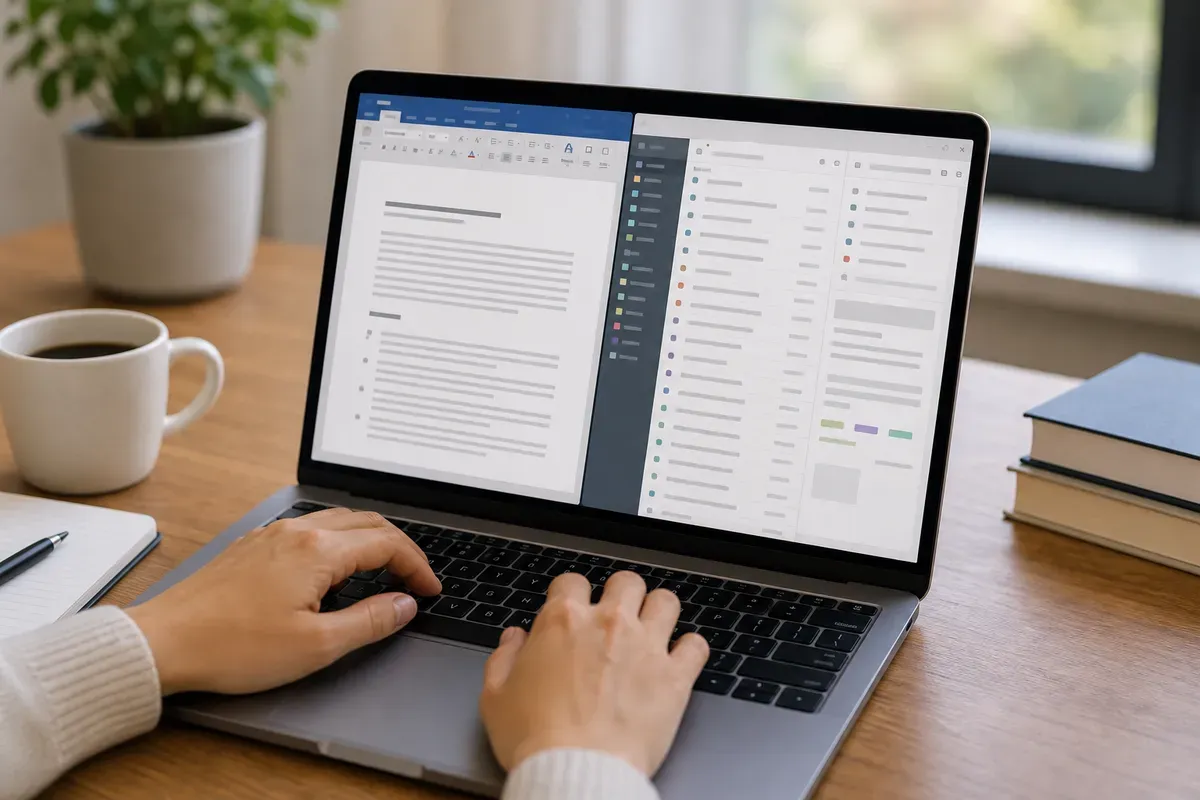
If you are unsure which tool fits your project or how to set it up cleanly, our literature research coaching can walk you through configuring your reference manager and citation workflow so your sources stay consistent from first draft to final submission. The tool does the formatting; you keep the scholarship, and you get your evenings back.